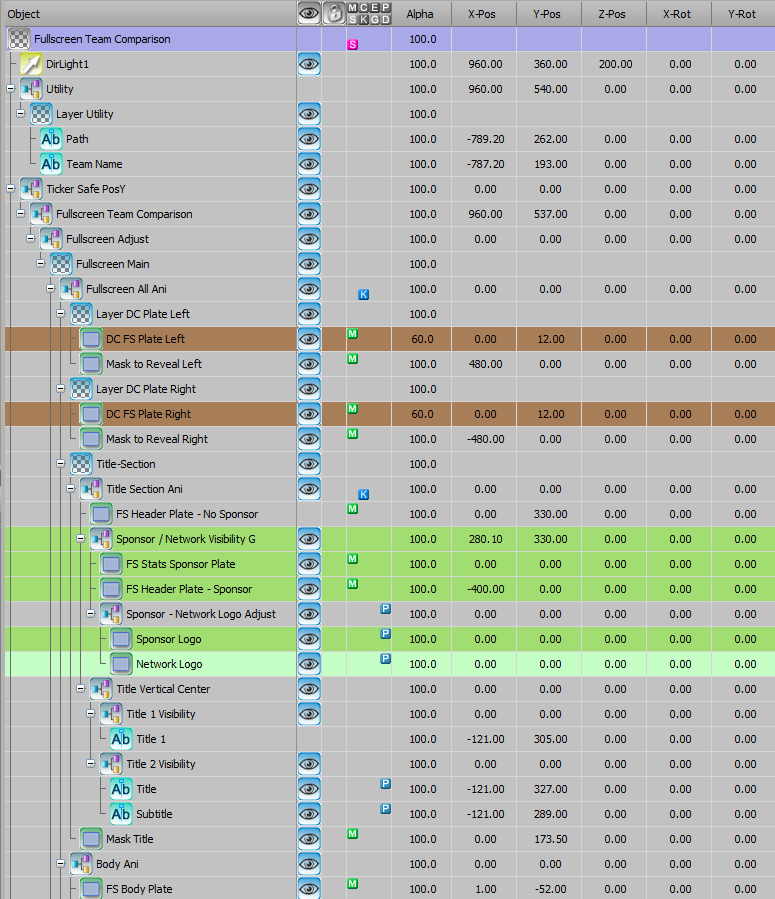
Every Ross XPression graphics package we build starts with the same question: how does your show actually run?
Your crew size, your sport count, your sponsor commitments, your operator workflow. That's what shapes the package. Not a template. Not a one-size-fits-all library.
We design and build complete broadcast graphics packages inside Ross XPression. Scorebugs, lower thirds, fullscreens, slabs, replay wipes, sponsor elements, and in-venue content. All structured for the way college sports productions work.
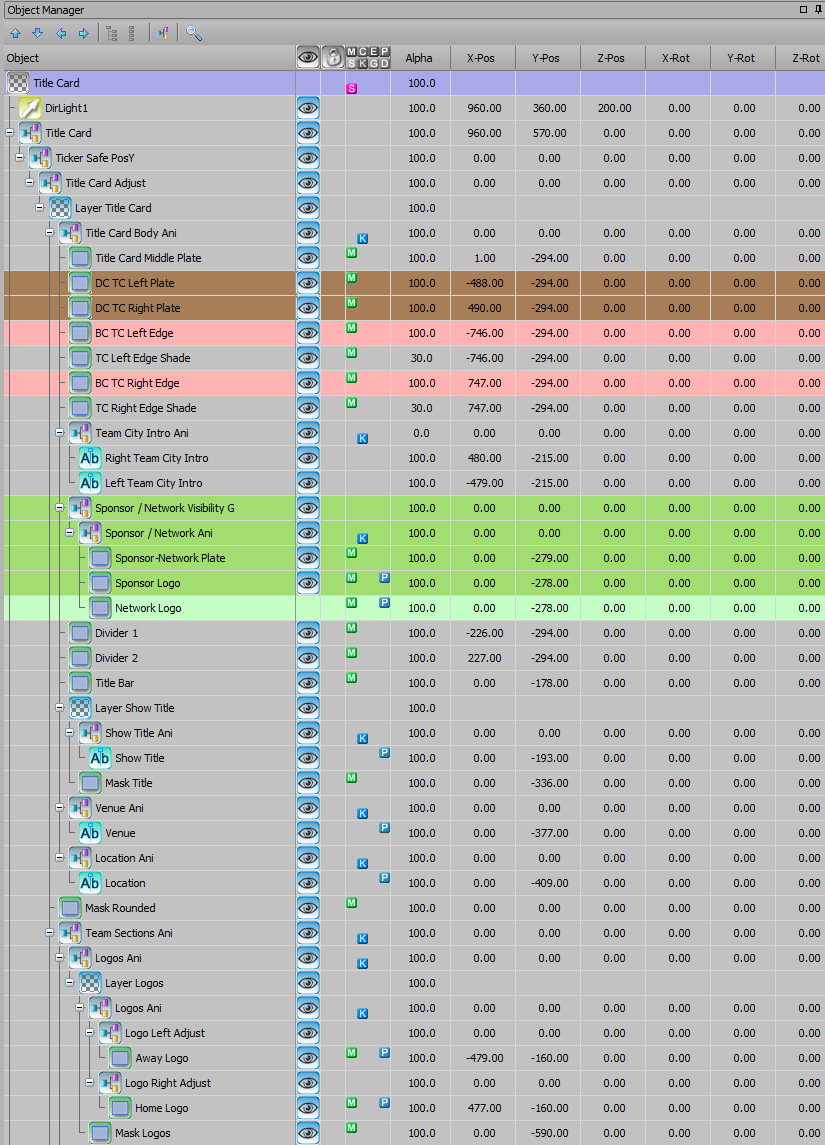
What's Included in a Ross XPression Graphics Package
LINEUPS
-
SERIES HISTORY
-
TITLE CARD
-
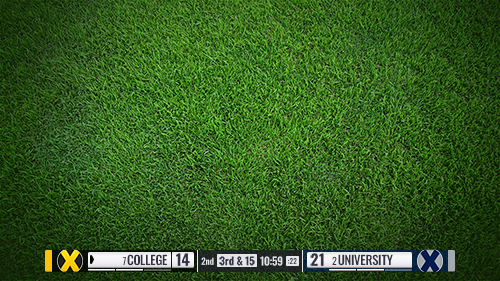
SCOREBUG
-
LIVE BOXES
-
SLAB
-
MATCHUP
-
LINEUPS - SERIES HISTORY - TITLE CARD - SCOREBUG - LIVE BOXES - SLAB - MATCHUP -
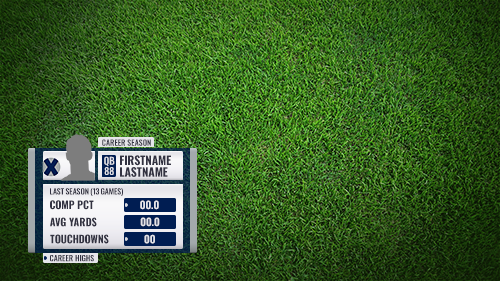
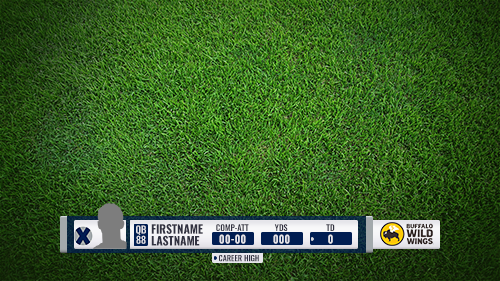
Player lower third example
Scorebar example
What’s Included in a SPORTS Broadcast Graphics Package
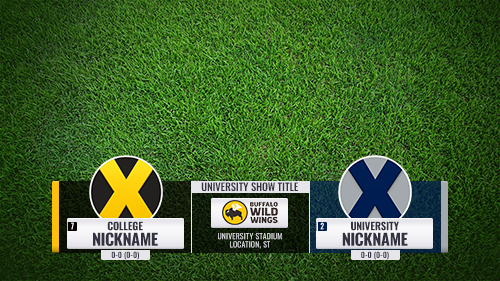
Slab example
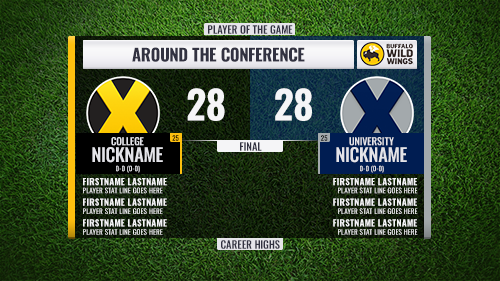
Example sports graphics below are from our prebuilt XPression package.
Title Card example
Fullscreen example
Billboard example

Scorebugs and Scorebars
Your scorebug is on screen more than any other graphic in the show. It needs to be clean, fast, and locked to your data.
Every scorebug is built inside Ross XPression with direct connections to your clock and scoring system. Team branding, scores, game clock, period indicators, possession, timeouts, penalties. All accounted for. Sponsor integration is built in where your sales team needs it.
Sport-specific slider elements handle situational info like down and distance, power plays, pitch counts, and shot clocks without cluttering the base scorebug.
slabS
Slabs sit left or right of the screen and stay over live action. Use them when a fullscreen would pull the viewer out of the game.
Player stats, game leaders, conference standings, and upcoming schedules. Slabs handle the information that needs to be on screen without killing the broadcast's momentum.
Examples include:
player or team stats
upcoming game schedules
game leaders
conference leaders
standings
These graphics help tell the game's story while maintaining visual consistency with the overall broadcast package.
Lower ThirdS
Title cards, talent IDs, player stats, bios, coaches, topic bars, promos, countdowns, series history.
Every lower third is designed for fast readability and consistent branding across all sports in your package. Built for operators who need to fire them quickly and move on.
Typical lower third graphics include:
title card
player, team, or coach stats or info
talent
series history
topic bars
promos
countdowns
All lower thirds are designed to maintain readability while complementing the overall broadcast style.
FullscreenS
Fullscreens are where you tell the bigger story. Starting lineups, halftime stats, team comparisons, standings, schedules, scoreboards, and quotes.
Used pregame, in-game, halftime, and postgame. Fullscreens give your broadcast depth without slowing down the operator.
Common fullscreen graphics include:
starting lineups
team stats
game comparison stats
standings
schedules
scoreboards
quotes
social media posts
These graphics are frequently used in-game or during pregame, halftime, and postgame shows.
Replay WIPES and TransitionS
Replay in, replay out, segment transitions, sponsor bumps. Every animation is designed to maintain the visual identity of your package and keep the broadcast moving.
Sound design integration available for transitions that need it.
These animated elements may include:
replay in and replay out transitions
segment transitions
sponsor transitions
Sponsor Integration
Every graphic in the package can carry a sponsor. Billboards, squeeze backs, presented-by elements, branded stats, logo placements, QR code overlays. All designed into the system from the start.
This isn't an afterthought. Sponsor inventory is built into the package structure so your sales team can sell specific placements before the game starts.
Our broadcast graphics packages support sponsor integrations such as:
billboards
squeezebacks
presented by graphic
Every Broadcast Graphics Package Includes
• Scorebug / Scorebars
• Lower thirds
• Slabs
• Fullscreen graphics
• Replay wipes
• Sponsor integrations
Built for Ross XPression
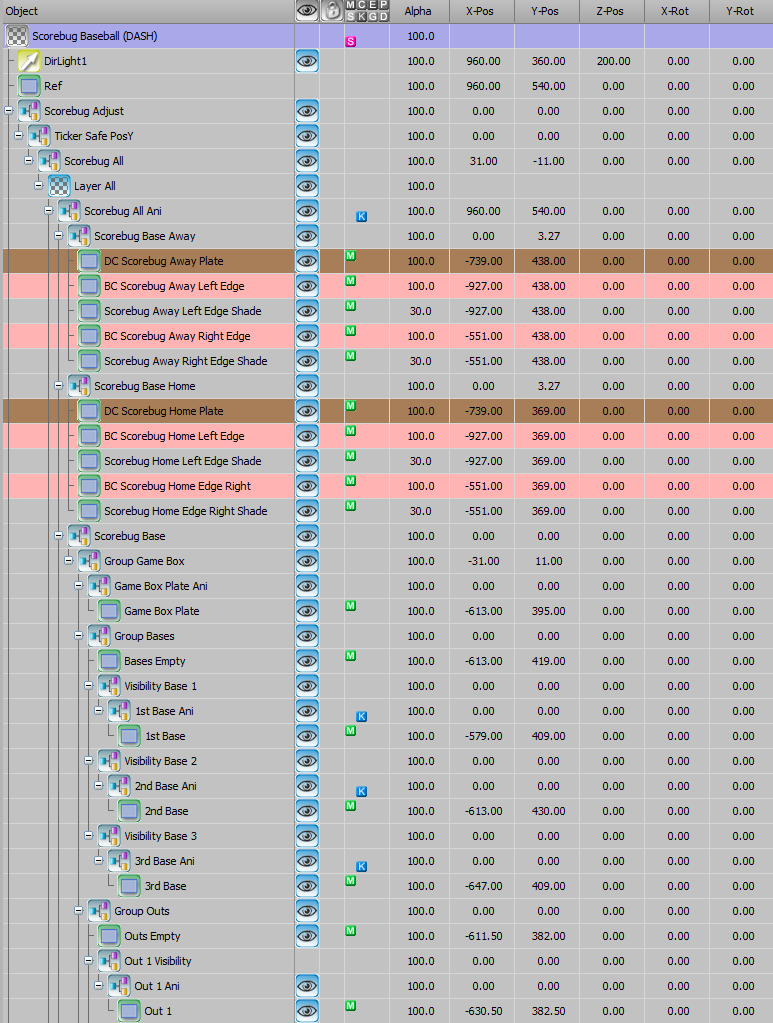
Every graphic, every animation, every data connection is built natively inside Ross XPression. No file conversions. No third-party plugins. No workarounds.
That means fast playout, clean data integration, and an operator workflow that doesn't fight the system.
This ensures:
fast playout during live broadcasts
flexible data integration
easy customization for teams and conferences
efficient control room operation
Each package is structured to work smoothly with existing broadcast workflows.
We offer two approaches depending on your production needs.
Custom Graphics Packages
Designed from scratch for your team, conference, or network. Unique visual identity, fully custom animations, and a package structure built around your specific sports and crew.
Ready-to-Deploy Packages
A complete, professional multi-sport graphics package for Ross XPression. Branded to your school, ready to run. Built for programs that need to be on air fast without starting from zero.
View ready-to-deploy package at SportsGraphicsPackage.com.
Custom or Ready to Deploy
Our sports broadcast graphics packages are used for a wide range of productions, including:
college athletics broadcasts
game presentation: in-venue videoboard productions
conference network productions
streaming broadcasts
Each package is designed to deliver clear information to viewers while maintaining the fast pace required for live sports coverage.
Built for Live Sports Production
Tell us about your production. Your sports, your crew, your schedule. We'll scope the package and walk you through exactly what you get.
Start Your XPression Package